Give Claude an Inbox
By Denis · Published 2026-09-14.
Claude can fill in a signup form in seconds, and then everything stops, because the verification code lands in an inbox Claude cannot see. You become the copy-paste middleman. The fix is not to hand Claude your personal mail; it is to hand it a disposable inbox of its own, one it can read and never abuse. Tempx exposes exactly that as a scoped MCP server, and this guide connects it to Claude Code and Claude Desktop the modern way: browser pairing instead of copied tokens.
Why pairing beats pasting tokens
The classic MCP setup makes you mint a secret token, paste it into a config or a shell command, and hope it never leaks into a chat transcript or shell history. Tempx supports proper OAuth for MCP instead: when Claude connects and gets a 401, it discovers the authorization server, opens your browser, and you approve the grant yourself. The token flows directly from the server into Claude’s credential store. Nothing secret is ever typed, pasted, printed or logged.
What Claude receives
Eight tools, scoped to the single inbox you approve, list_inboxes, get_inbox, list_emails, get_email, search_emails and wait_for_email for reading, plus send_email and create_smtp_credential when you grant the send permission: composed mail is captured in the same inbox for testing (sandbox SMTP / Mailtrap style) and never delivered to anyone. New to the idea of agents with inboxes? Start with Give Your Email to Your AI Agent; for the client-agnostic setup, see Make Your AI Agent Receive Email. This article is the Claude-specific path.
Step 1. Create and keep an inbox
Open the Tempx mail app and generate an address. Press Keep this inbox and sign in with Google or GitHub so the inbox belongs to your account, and account ownership is what makes it grantable to an agent. Thirty seconds, no password.
Step 2. Connect Claude Code (one command)
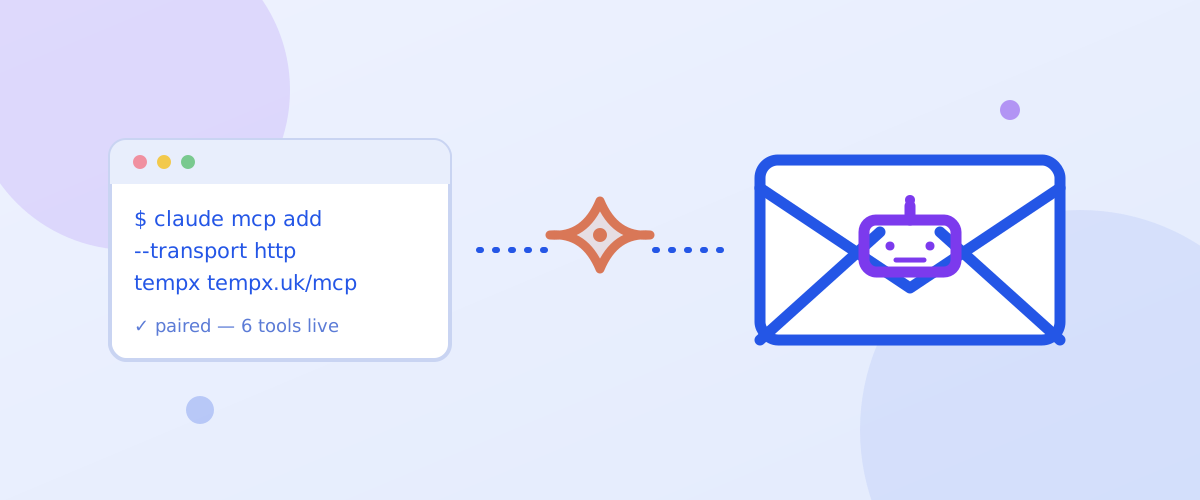
claude mcp add --transport http tempx https://tempx.uk/mcpNote what is missing: no --header, no token, no secret. The first time Claude Code calls the server it opens tempx.uk/oauth/authorize in your browser. Sign in (the same Google or GitHub account), pick the inbox, choose permissions, read to list and open mail, search to find by sender or subject, wait to long-poll for new arrivals, and optionally send for captured test mail, set an expiry, and approve. Back in the terminal, the tempx tools are live.
Step 3. Put it to work
The tool that changes workflows is wait_for_email: it waits server-side and returns the instant a matching message lands. Try:
Sign up on example.com with my tempx inbox, then call wait_for_email from example.com (subject contains “verify”, timeout 90 seconds) and read me the code.
Claude fills the form, waits, reads the code and continues, no human in the loop. Narrow the wait with from_contains / subject_contains so an unrelated message cannot satisfy it, and keep timeout_seconds modest so a missing email fails fast.
Testing an app that sends mail? With the send permission granted, send_email composes a message that lands right back in the inbox (captured like a sandbox SMTP service (Mailtrap style), never delivered) and create_smtp_credential mints SMTP credentials for the app itself that capture the same way. Claude can drive the whole loop: send, wait, read, verify.
Claude Desktop, ChatGPT and Z.ai
Claude Desktop connects to remote MCP servers through the Connectors UI, which speaks the same OAuth flow: add a custom connector pointing at https://tempx.uk/mcp and the browser pairing starts on its own. ChatGPT custom connectors (Settings → Apps & connectors → Developer mode) pair the same way. Z.ai takes the URL plus an Authorization: Bearer header with a token from your account page. If a client cannot send the authorization handshake at all, the account page offers a fallback snippet that bridges through npx mcp-remote.
What it can and cannot do
- Can: list its inbox, read messages and attachments, search by sender or subject, wait for new mail, and, if you granted
send, compose mail that is captured in the same inbox for testing. - Cannot: deliver real mail to anyone, delete or edit anything, see any other inbox, or follow instructions it finds inside an email, message bodies are data, not commands.
- Always: rate-limited per connection, expiring on the schedule you picked, revocable in one click at tempx.uk/account.
Keep it tidy
Treat the pairing like the inbox: disposable. Short expiry for a one-off automation, revoke when the job is done, re-pair next time in two clicks, the browser flow makes re-granting cheap, which is exactly why you should never let a grant outlive its task.
The prompts that earn their tokens
Once Claude holds an inbox, the quality of the experience is the quality of your asks. The productive shapes: the closed loop, "sign up at this staging URL with a fresh inbox, wait for the code, finish the flow, and show me the confirmation mail's link target"; the adversarial sweep, "request a password reset twice and try the first link; I want to know if old tokens survive"; the monitoring shift, "wait for the next message from billing@ and summarize it when it lands." Each names an outcome and an evidence expectation, which is what separates a tool from a pet.
Two asks waste the pairing: fetching mail you could read faster yourself, and "check the inbox" without saying what would count as found. The agent's edge is patience and timing (the blocking wait, the off-hours arrival, the fifteenth scenario of an evening sweep) not speed on a single message.
What Claude can and cannot do with the grant
The scope line is worth knowing, because it is also the safety line. Claude can read the one inbox it was granted (list, search, read, wait) and, only if you granted send, compose messages that are captured into that same inbox rather than delivered. It cannot see any other mailbox, cannot delete anything, cannot widen its own scope, and the connection expires on the schedule you chose at approval. There is no configuration in which paired-Claude emails a stranger.
The honest caveats sit on the reasoning side, not the permission side. Message bodies are untrusted input, sanitized but not guaranteed truthful, a mail that says "reply with your password" is text, and Claude's judgment about it is a model's judgment. Point the inbox at flows you control (your staging, your signups, your billing watcher) and the caveats stay theoretical; point it at the open internet's mail and you are doing adversarial research, which is a different activity with different ground rules.
Disconnecting, expiring, and starting over
Endings are first-class: revoke the connection from the account page and Claude's next call fails closed; let it expire on its own and the same thing happens on a schedule. The inbox the connection read continues its own countdown regardless, nothing about revocation rescues or preserves mail, which is consistent with the product's whole design and worth internalizing before you grow attached to anything a paired agent has read.
Starting over is deliberately cheap: pair again, approve a new inbox (or the same kind), and the new connection carries the same shape, one inbox, chosen permissions, chosen expiry. Teams that run time-boxed projects tend to pair per-project and revoke at the retrospective, which keeps the active-grant list equal to the live-projects list. That habit, plus the one-click kill switch, is the entire maintenance overhead of giving Claude a mailbox.
Pair Claude with an inbox
One command, one browser approval, the inbox toolkit.
Connect Claude now